Python in Algorithmic Trading: When Do You Need to Code?

Algo trading python sounds like a high hurdle to many beginners: if you want to use StrategyQuant X to build automated strategies, you quickly wonder whether you need to code for that. The short answer is no, because the core of the software is designed to build strategies without writing your own code. Still, there are several places in the program where programming, including Python, can dock in. This article shows what the no-code path delivers, where the optional programming layer begins, and how a user actually applies Python in practice.
Algo trading python: the no-code core first
According to a blog post from the manufacturer, StrategyQuant lets you build trading strategies without writing a single line of code. The software assembles rules, indicators and building blocks that you select and combine through the interface instead of programming them.
That's a description from the manufacturer's marketing, not an independently verified technical specification. It says nothing about whether a strategy built this way ends up successful, and nothing about whether programmed strategies generally perform better or worse than no-code ones. For beginners, this mainly means: you can start building your own strategies without learning a programming language first.
The programming layer: what the Code Editor adds
Beyond the no-code core, the manufacturer documents three places where your own programming can dock in: the Code Editor, the Program interface, and the Custom Analysis extension.
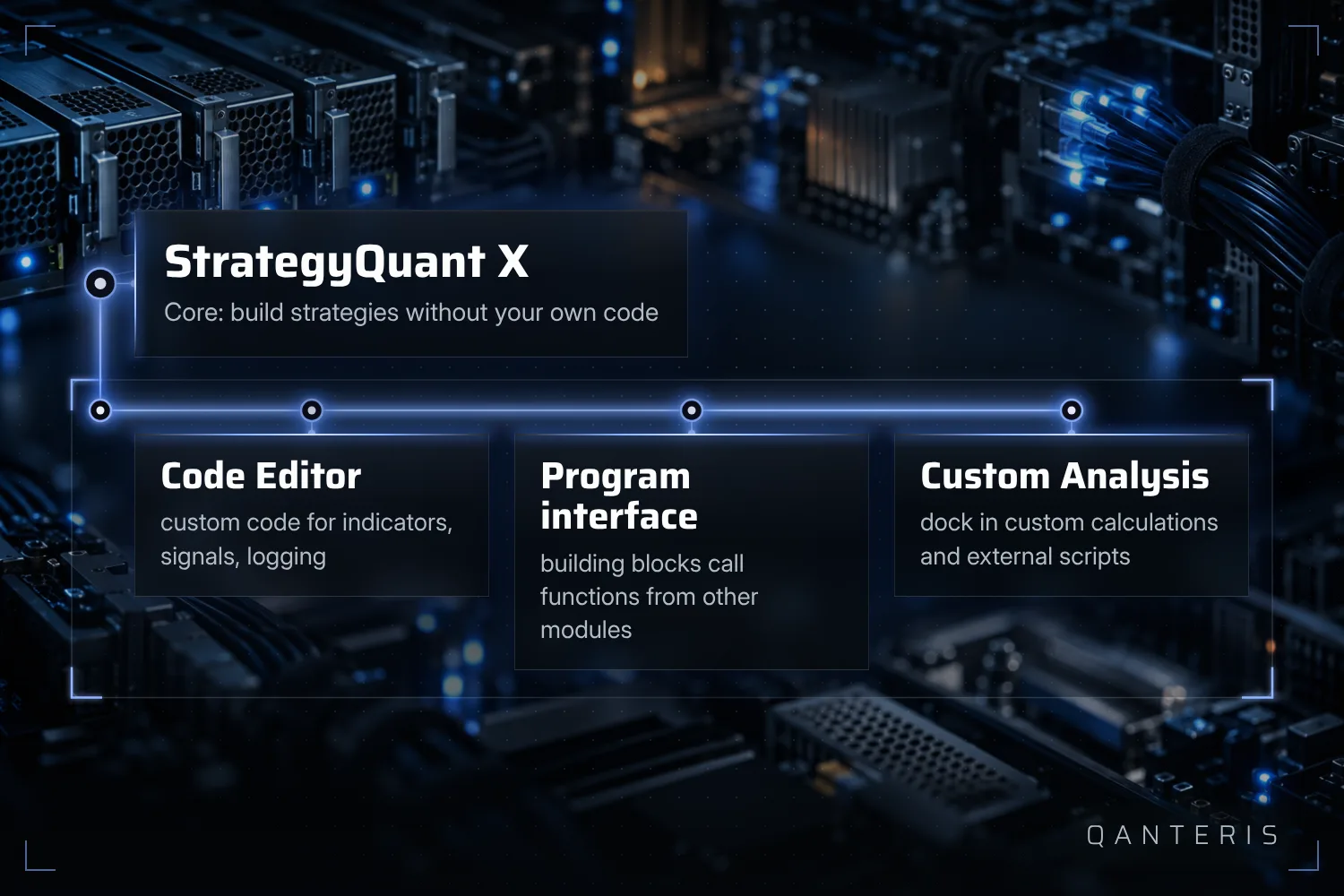
The Code Editor bundles several entry points. These include a public API, working with Result Groups, adding your own indicators or signals, your own Databank columns or filters, logging, and importing your own JAR libraries as well as importing or exporting your own indicators and snippets.
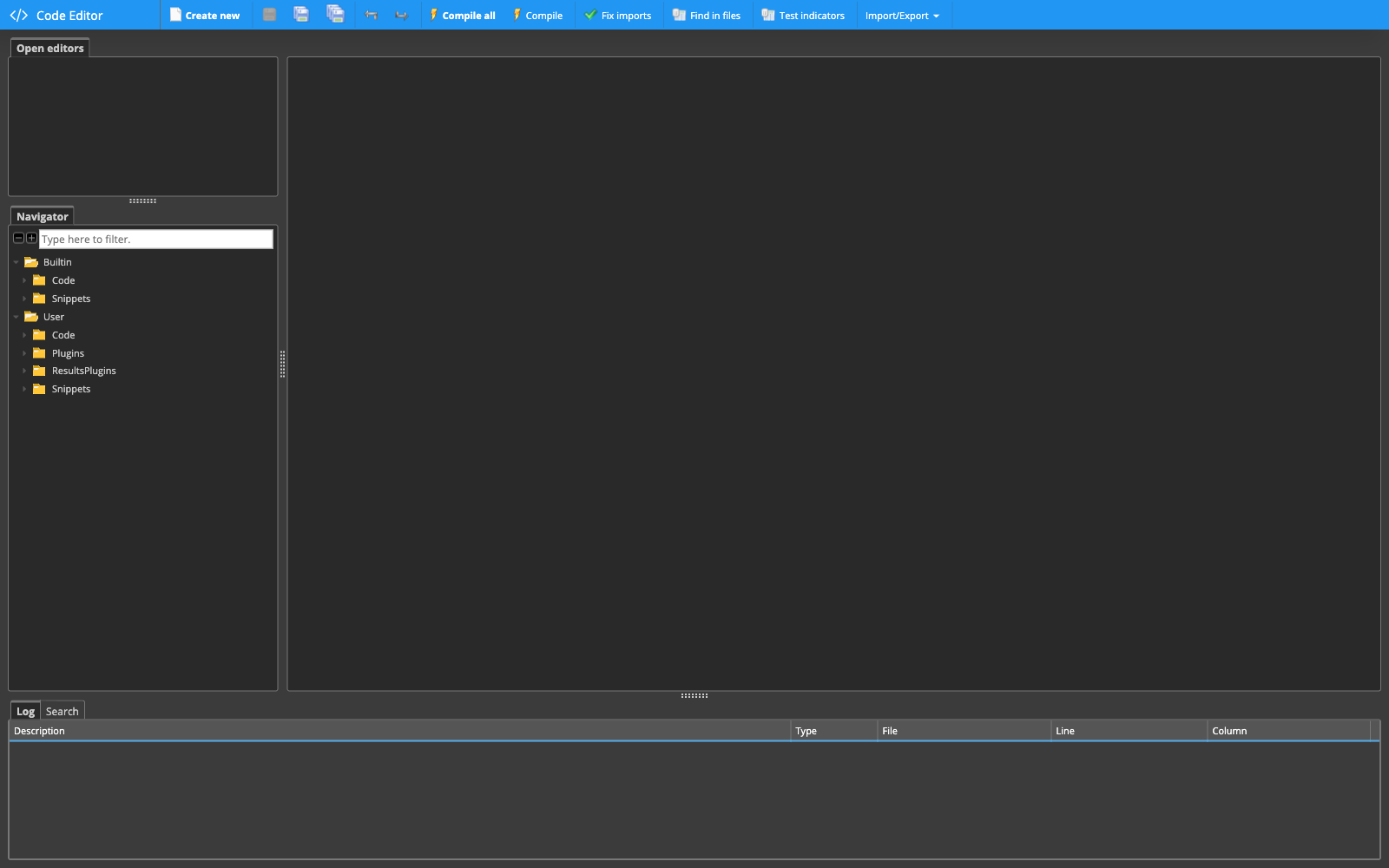
The exact names of the individual menu items can differ between program versions. What matters for context: the Code Editor is an extension, not a prerequisite. Not every entry point mentioned is immediately accessible without any programming experience; some require basic programming knowledge.
Documented examples of programming sessions show what this path can be used for: optimizations and backtests can be triggered via code, as can backtests with additional robustness tests. Strategy parameters and a task's configuration can also be changed through code, and historical data can be loaded into your own snippets. These are examples from documented workflows, not mandatory steps for every user, and not a complete list of all possible programming sessions.
The Program interface: building blocks calling each other
For your own snippets or plugins, the manufacturer also documents a Program interface. Through it, a custom building block can call functionality from other plugins or from the built-in program library, typically by first fetching the appropriate interface and then calling a method with the required parameters.
This interface belongs to the internal API for custom development and is aimed at someone who already programs. It's not a beginner feature that's usable without programming experience.
Custom Analysis: docking in your own calculations and external scripts
Another documented extension is called Custom Analysis. It lets you apply your own calculations or filters to generated, retested or optimized strategies, including across entire Databanks. This includes the option to call external programs or scripts, such as Python.
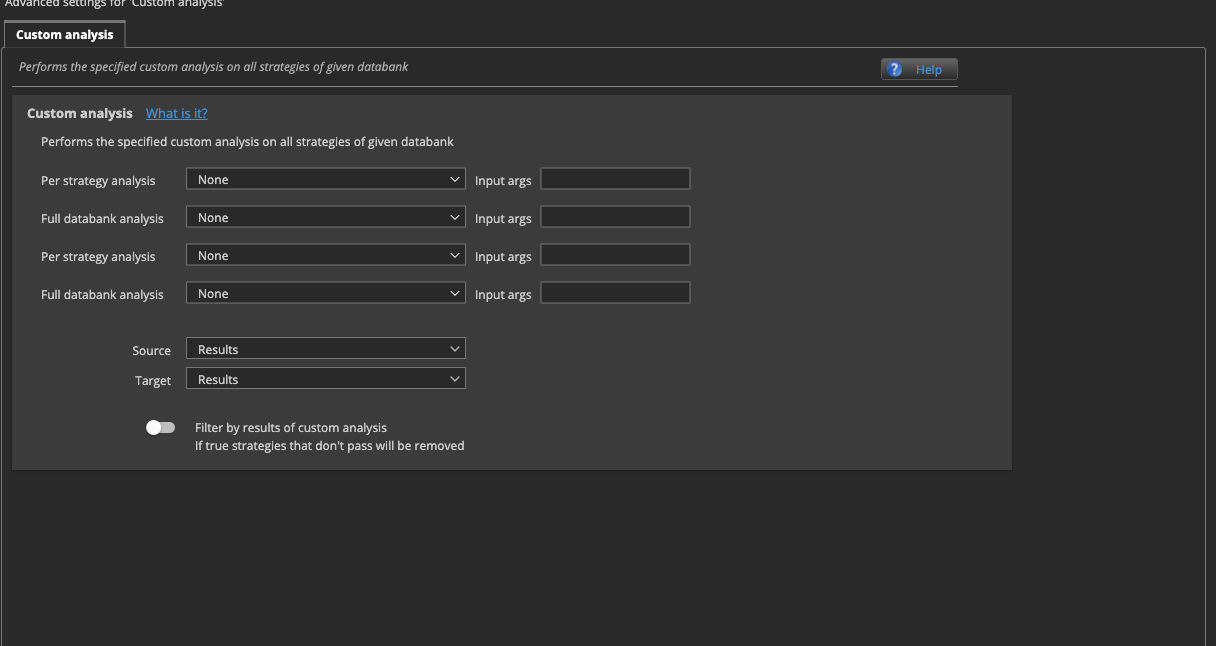
Custom Analysis is an extension point of the corresponding module. It makes working together with Python possible, but this connection doesn't automatically deliver better strategies. Whether and how you use it is up to you.
A practical example: what a user actually uses Python for
What this can look like in practice is described by an author in his own post. He uses Python alongside StrategyQuant for several tasks: analyzing result Databanks, running his own scripts within an analytical workflow, using the SQX command line, decorrelating strategies, applying machine learning, and extracting rules from existing strategies to build new custom building blocks from them.
That's the workflow of a single person, not an official feature list from the manufacturer, and not a path every user needs to replicate.
A video series as a starting point
If you want to work through the basics, you'll find a starting point in a blog post from the manufacturer: it describes a complete video course, provided as a playlist, that covers building strategies for forex, futures and stock markets.
This, too, is a description from a blog post. The content and availability of the playlist can change over time. A course like this doesn't replace checking the results yourself, and it's no promise that you'll automatically trade successfully afterward.
What this comparison doesn't show
This article doesn't compare whether a strategy extended with Python ends up more successful than one built purely with the no-code toolkit. It's also not about which path is better. It's about which tools are available to you in the first place, and the decision for or against programming is yours, not the software's.
Whether with or without your own code: every backtest or optimization result that comes out of it describes past data only. It allows no conclusion about how a strategy will behave in the future.
This article is for education only and is not investment advice. Past results, including backtests, do not guarantee future results. Trading financial instruments involves risk, and you can lose money.
This article is for education only and is not investment advice. Past results do not guarantee future results.
How do you do it? Share it in the community. Free, in your language.
Sign up free