Algo Trading Without Coding: Where the Line Really Is

You want to build an automated trading strategy, and the first question that stops most beginners is simple: do you need to learn to program first? For the core path this article describes, the answer is no. You can go from an empty project to a finished, testable trading strategy using visual building blocks, without writing a line of code. That does not mean coding disappears from the picture, and it does not mean the no-code path is some lesser, toy version of a 'real' coding path. If you came here expecting lines of Python waiting for you somewhere, this is a good place to reset that expectation: the path below runs through building blocks, not through a script you type yourself. Here is where the line between the two actually runs, and what changes once you cross it.
Building a Strategy Without Writing Code
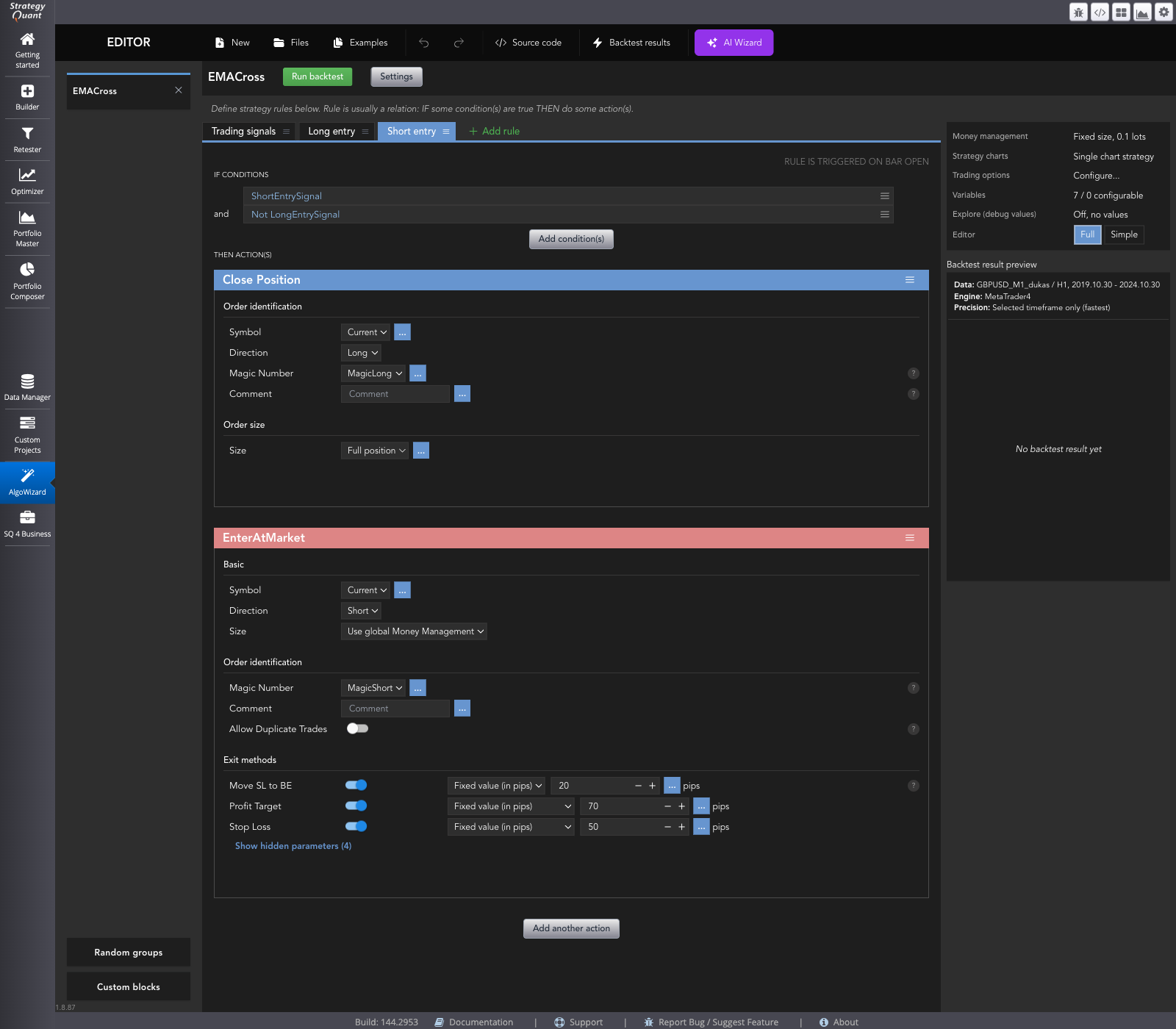
The tool that carries most of this no-code weight is called AlgoWizard. It lets you put together a trading strategy without programming, test the result directly, and then export it as strategy code for your target trading platform. You describe what the strategy should do by choosing and arranging pieces on screen, not by typing a script. The module produces the export file for you once that description is complete.
What the Building Blocks Actually Are
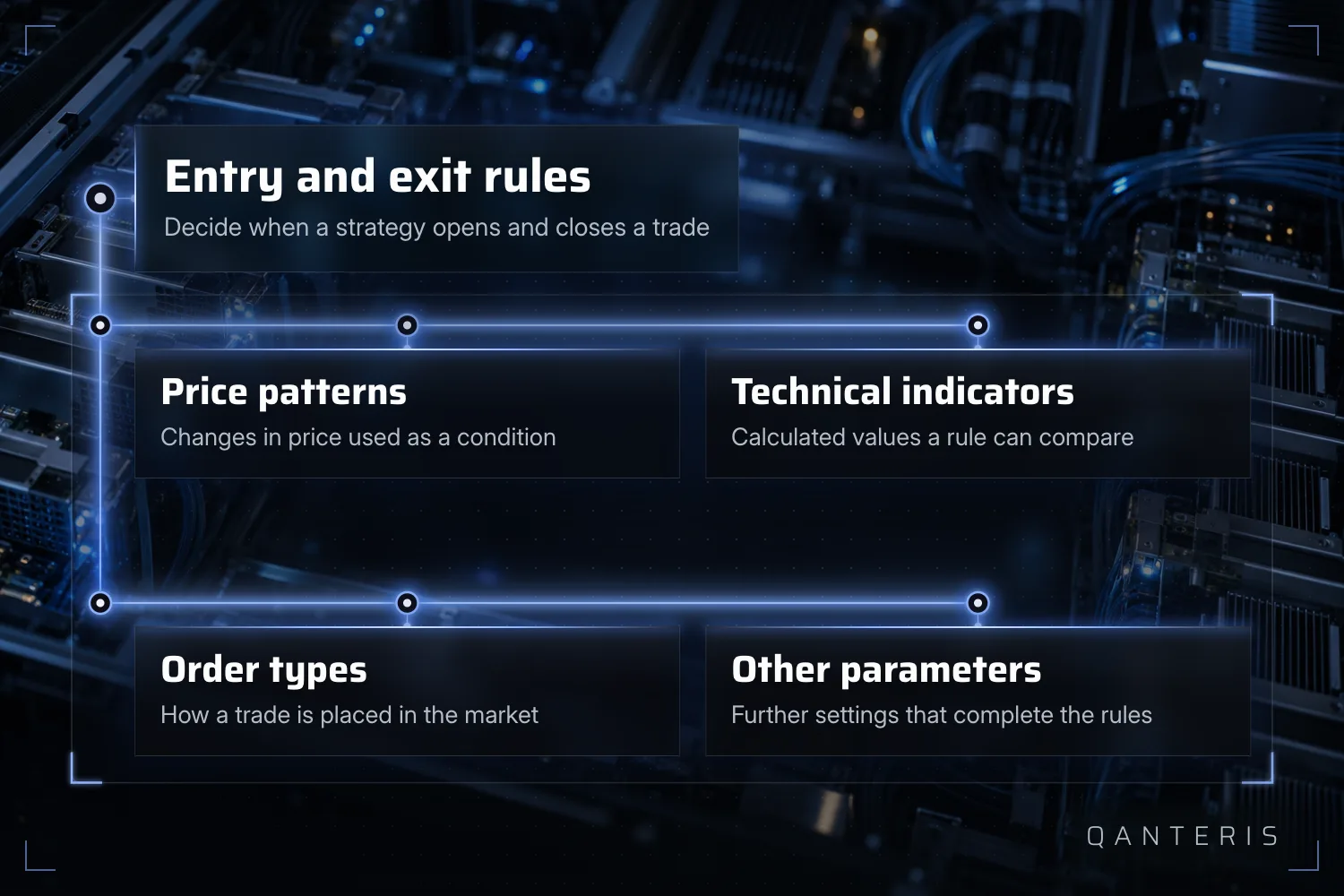
Whether you assemble a strategy by hand or let the software generate a first batch of candidate strategies at random, the pieces being combined are the same kind of thing: price patterns, technical indicators, order types and a handful of other parameters. Put together, these pieces form the entry and exit rules that decide when a strategy opens and closes a trade. 'No code' here does not mean 'no structure'. It means the structure is built by choosing and combining these pieces, instead of typing them out as program instructions.
From First Click to a Finished File
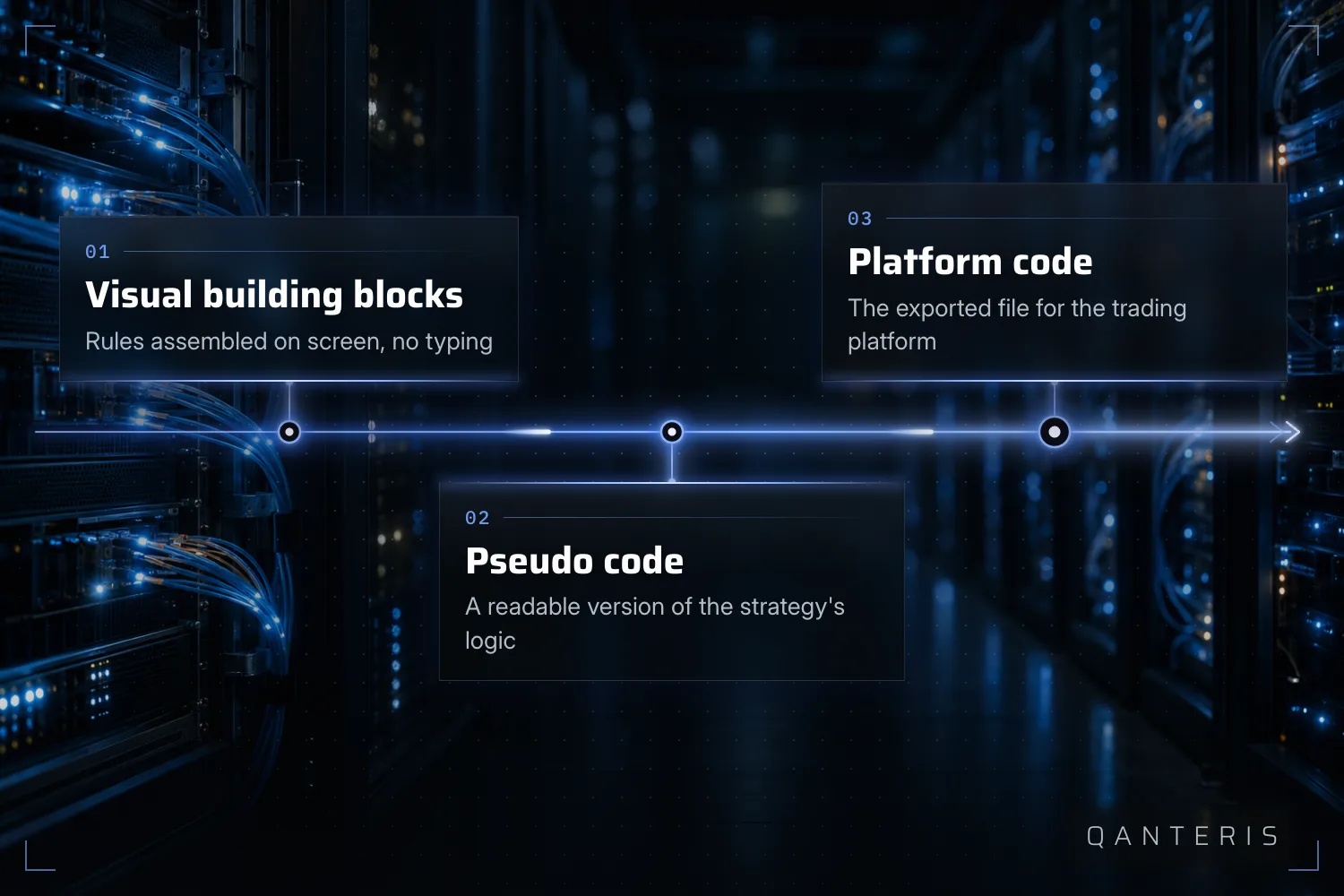
This no-code approach does not stop once a strategy passes its tests. The entire path from starting a new project to a finished EX4 or EX5 file, ready for the MetaTrader platform, can be completed without writing a single line of code. That covers the whole distance between an idea and an installable file, for that specific export target. Having a finished file is not the same as having a strategy you should trust without another look, but reaching that file does not itself require any coding.
Where Code Comes Back Into the Picture
Even inside a no-code project, code is never far away. Once you have built and tested a strategy, its results include a pseudo code view: a human-readable version of the strategy's logic. You can read it to see exactly what the strategy does, and you can use it as a reference if you ever want to apply that same logic manually, without the software placing the trades. It is not the exact underlying source code, line for line, it is a readable translation of that logic. For a beginner, this is the easiest bridge between the visual building blocks and the code running underneath them.
What This Article Covers, and What It Doesn't
This piece answers one question: do you need to code, and where does the line between no-code and code actually run. It does not walk you through the technical steps of assembling your first strategy end to end, indicator by indicator and setting by setting. A hands-on, step-by-step build is its own piece of writing, and covering it properly here would turn an answer about coding into something else entirely.
What No-Code Does Not Remove
Not needing to write code to put a strategy together does not mean you can skip understanding what you built. Before you rely on any strategy, no-code or otherwise, you still need to look at its logic: its entry and exit rules, and how it behaves across the different conditions in your test data. The pseudo code view exists partly for that reason. It gives you a way to read the logic in plain language rather than trusting a result you cannot inspect. Building without code changes how the strategy is assembled. It does not change how much you need to know about what you assembled.
What a Backtest Actually Tells You
Whatever a backtest, or an automatically generated batch of strategy variants, shows you, it describes how that strategy would have behaved on the historical data you tested it on. It is not a forecast of what will happen next, and it is not proof that the strategy will keep working once conditions change. Historical and simulated results, however they were produced, only ever describe the past. Treat them as a description of one period, not as a promise about the next one.
The Line, Restated
So, do you need to code? For building a strategy, testing it and exporting it to a target platform, no: the no-code path handles that from end to end. What no-code does not do is remove the need to understand your own strategy, or turn a historical test into a promise about the future. It can show you how a strategy performed on historical data, and it can show you the logic behind that performance in the pseudo code view. It cannot show you how markets will behave going forward, no matter how the strategy was built. Where you take it from here, whether you stop at the visual building blocks or go on to read the pseudo code and beyond, depends on how far you want to go.
This article is for education only and is not investment advice. Past results, including backtests, do not guarantee future results. Trading financial instruments involves risk, and you can lose money.
This article is for education only and is not investment advice. Past results do not guarantee future results.
How do you do it? Share it in the community. Free, in your language.
Sign up free